Better campaign management begins here. Get built in cross-channel and cross-publisher ad management tools.
YOUR PERSONAL CONTROL PANEL
Client Center
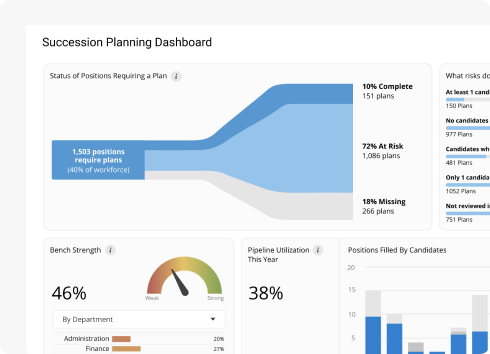
Welcome to the control room of your campaign management journey. Filter and sort account information how you want to and quickly pinpoint where to focus your time and resources. Plus, integrate your own KPIs right into the dashboard.
Daily Insights
Instantly review account performance and build daily task lists.
Group Accounts
Configure filters and group accounts by campaign manager, sales executive, etc.
Visibility
Review account progress across publishers and easily drill down for detailed insights.
CENTRAL OPERATIONS HUB
Workbench
Workbench is your one-stop-shop for reviewing and updating campaign progress or structure across publishers. Customize columns, date ranges and more to easily analyze trends and optimize performance. Apply advanced filters and save preferred account configurations.
Cross-Channel Action
Central and unified campaign management and cross-publisher PPC automation hub for Google and Bing.
Data Segmentation
Simple multi-clause filters that segment data for easy organization and sorting.
Time-Saving Automation
Leverage tools like Ad Extension Library, Search Queries and more to simplify everyday advertising.
BUILT-IN SUCCESS PLANNING
KPI Monitoring
Setup and track custom KPIs daily, monthly, or per campaign and easily identify which performance indicators require attention. With KPIs for almost every metric, you can make your own rules based on account, publisher, campaign, or custom time frames.
Customize Success
Build your own KPIs to track what’s important to your business.
Intuitive UI
Color coding helps easily identify areas that require your attention.
Automatic Goal Tracking
Let us measure your performance across accounts automatically.
CROSS-PUBLISHER KEYWORD CONTROL
Search Queries
Identify and apply new keyword opportunities with built-in search query data. Get actionable insights based on what people are actually searching for and when your keywords are delivering impressions.
Track Queries
Understand which search terms you’re bidding on across publishers.
Keyword Expansion
Create new and negative keywords to ensure you’re targeting the right search terms.
Keyword Management
Modify, add and delete keywords in Google and Bing Ads at the same time.
SHOW SUCCESS YOUR WAY
Custom Columns
There are literally hundreds of standard and system-calculated metrics available in CVZEQS. With calculated columns you can use existing columns to build custom formulas. Once you’ve built the column, you can set it as a number, currency or a percentage.
Custom Metrics
Create your own metrics to customize how you track progress.
Added Report Value
Stand out and show your clients you care with unique reporting assets.
Custom Calculations
Track the performance of custom metrics from custom formulas.
MANIPULATE AD EXTENSIONS EASILY
Ad Extension Manager
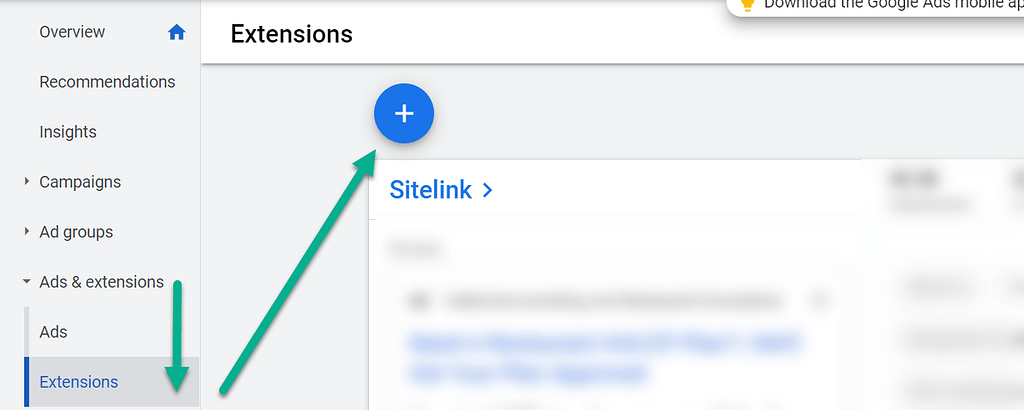
Create an ad extension one time and have it automatically syndicated to Google and Bing Ads, saving you time and effort. Each ad extension can be easily associated to accounts, campaigns and ad groups with a few clicks. Managing ad extensions has never been easier!
Cross-Channel Ability
Create and deploy ad extensions for Google and Bing Ads simultaneously.
Use Existing Ad Extensions
Import ad extensions and create a library to manage, update or deploy in future ads.
Exponential Execution
Deploy multiple extensions at the account, campaign or ad group level.
SEAMLESS DATA MOVEMENT
Bulksheet Management
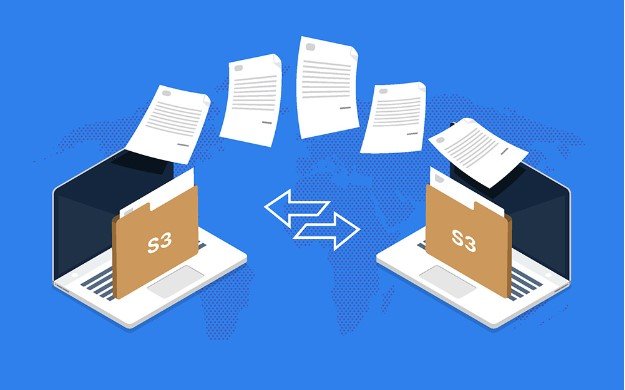
Export your entire campaign structure to Excel to analyze and optimize your campaigns. Using this Bulksheet Management capability you can create, update or delete campaigns, ad groups, ads and keywords from one convenient Excel sheet. Then you can upload your modified campaign structure right back into CVZEQS.
Double Downloads
Download campaign structures and performance stats across multiple clients and ad platforms.
Update Google & Bing Ads
View everything in one Excel file and apply mass updates to campaigns.
Replicate Processes
Apply SEM secrets with Excel macros and replicate powerful results.